View Detailed Listing of Event/Session Roles and Rules
To see all Event/Session Types and associated Roles, go to Events/Sessions > click on 'Event/Session Types'
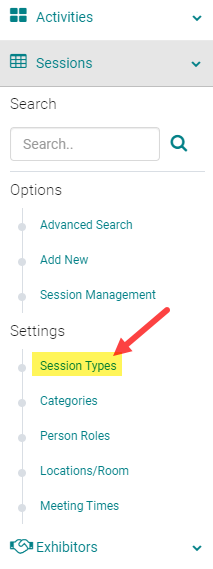
Click on the 'View Detailed Listing' button

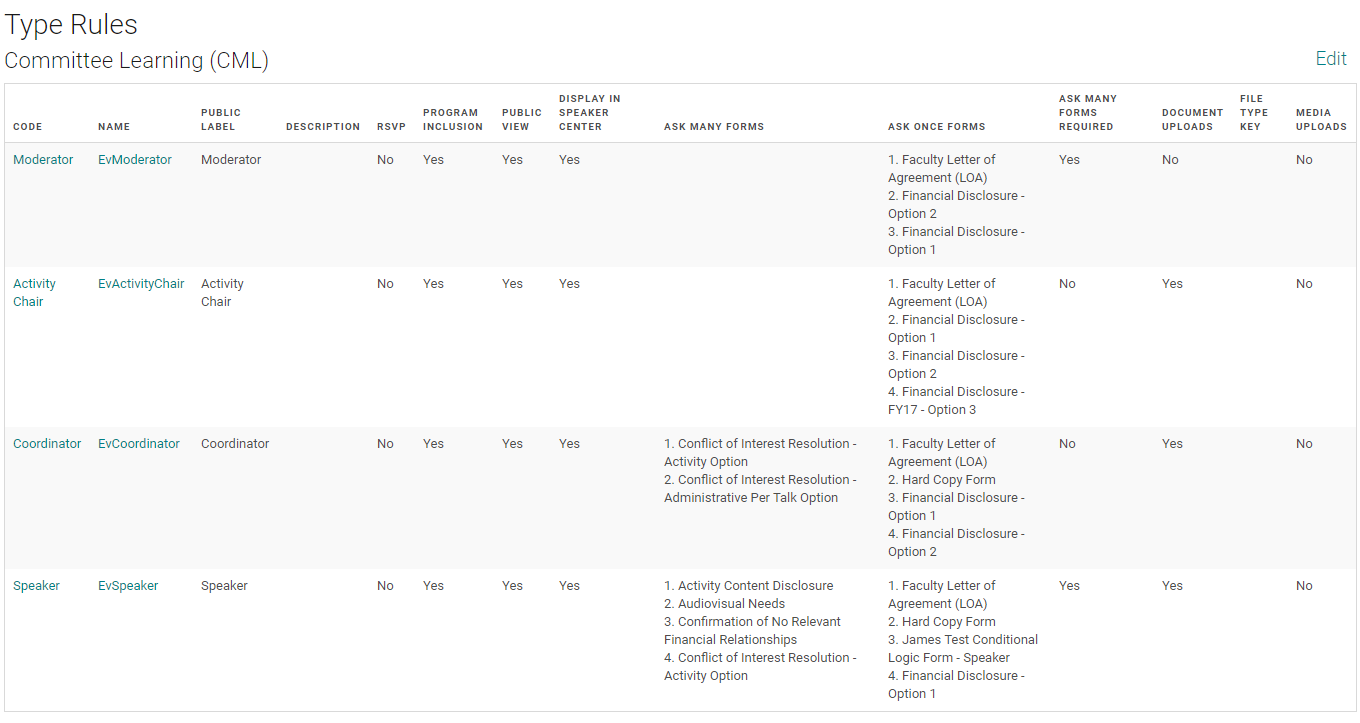
The listing will be separated by Event/Session Type. Click on a Role 'Code' or 'Name' to edit settings.
Related Articles
Event/Session Type
To add or edit an Event/Session Type, go to Sessions (or Events) and click on 'Session Types' (or Event Types) To edit an existing Type, click on the name of the Type. Or, click on the 'Add New Type' Complete the required fields and click 'Save' ...Add New Session/Event
Note: Prior to adding a Session you need to add the Activity. Select the Activity you want to add a new Session/Event to using the Activity Switcher Go to Sessions (or Events) and click 'Add New' Field Definitions: Type = Select the type of the ...Inactivating a Session/Event
Go to Sessions (or Events) and use the search box or 'Advanced Search' to find the Session you need to inactivate Click on the Session Title Scroll to the bottom of the page, change the 'Status' field to 'Inactive', and click 'Save' Click 'OK' to ...Add New Application, Activity, Session or Presentation Role
The below document includes the role set up rules for Application and Activity/Session level roles. Go to Applications> Person roles or Events/Sessions > click on 'Person Roles' Click on the 'Add New Role' button Enter the required fields and click ...Add or Assign/ Remove Speaker - Session/Event or Presentation
Go to Sessions/Events > use the search box or 'Advanced Search' to find the Session or Presentation you want to assign a speaker to Click on the Title of the Session/Event or Presentation Click 'Manage People' (sometimes labeled as 'Manage Speakers' ...