Add or Assign/ Remove Speaker - Session/Event or Presentation
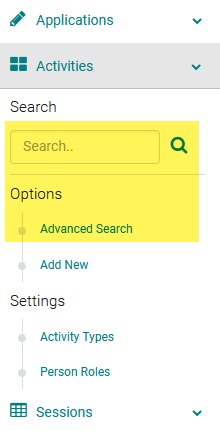
Go to Sessions/Events > use the search box or 'Advanced Search' to find the Session or Presentation you want to assign a speaker to
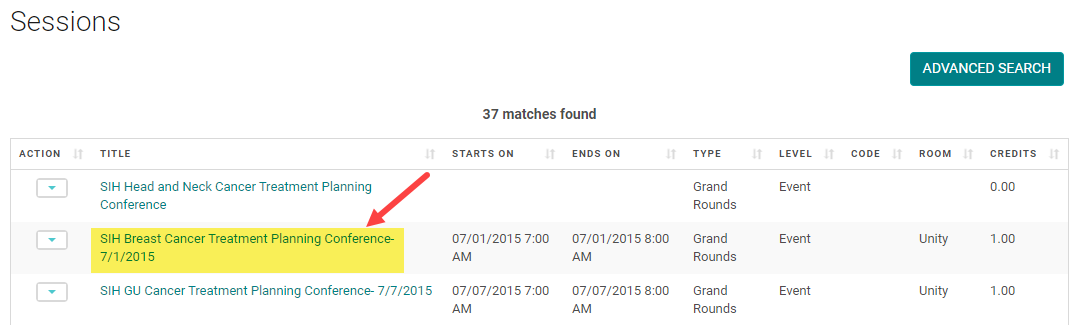
Click on the Title of the Session/Event or Presentation
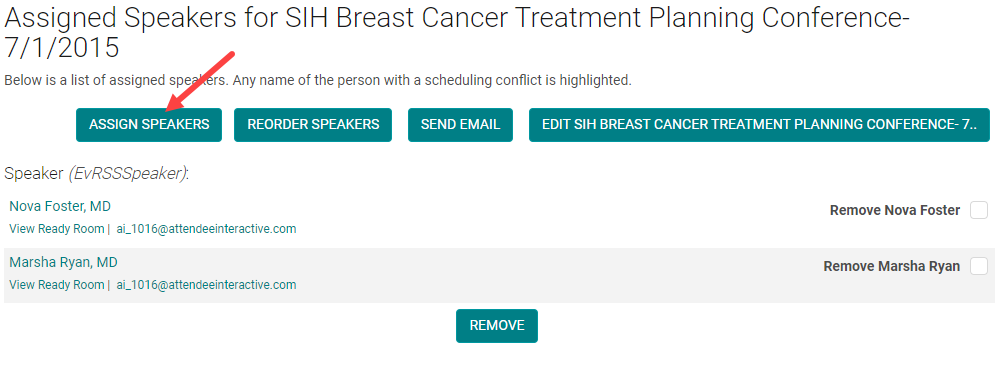
Click 'Manage People' (sometimes labeled as 'Manage Speakers' or 'Manage Roles')

Click 'Assign Speakers'
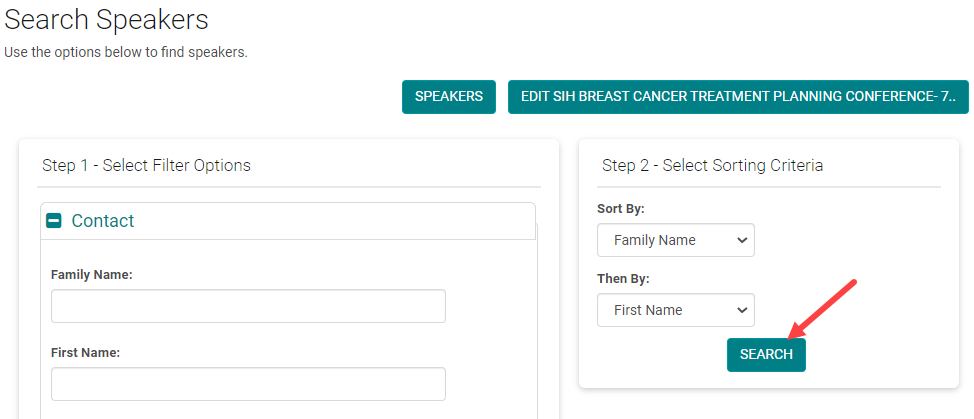
Enter the search criteria for the person you want to assign and click 'Search'
Check the box next to the appropriate 'Role' and click 'Assign'
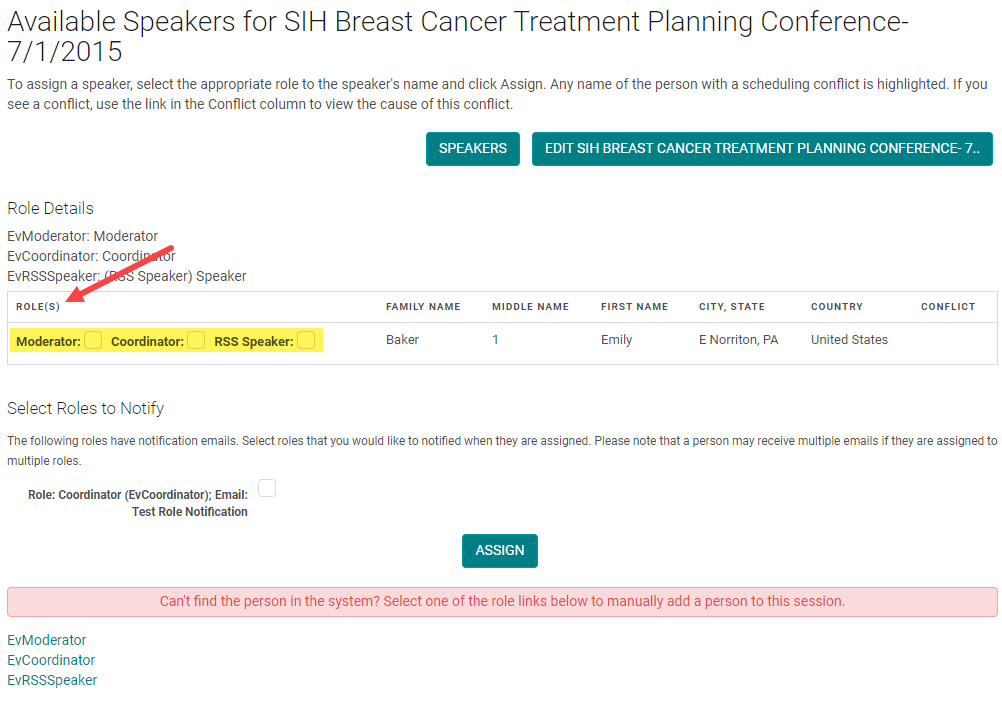
NOTE: if you cannot find the person, click on the correct 'Role' at the bottom of the screen and the system will allow you to add a new Person.
Check the box next to - Remove person name, the person is removed as the Speaker and add new speakers like show in the process above.
Related Articles
Add New Session/Event
Note: Prior to adding a Session you need to add the Activity. Select the Activity you want to add a new Session/Event to using the Activity Switcher Go to Sessions (or Events) and click 'Add New' Field Definitions: Type = Select the type of the ...Add New Application, Activity, Session or Presentation Role
The below document includes the role set up rules for Application and Activity/Session level roles. Go to Applications> Person roles or Events/Sessions > click on 'Person Roles' Click on the 'Add New Role' button Enter the required fields and click ...Creating Event/Session and Speaker Evaluation Forms
Go to Settings > Forms Click the 'Add New Form' button From the 'Type' drop-down list, select 'Session Evaluation' Complete the following fields: Name = Form name that will appear on the website for users to complete Required = Yes Speaker Ask Once = ...Event/Session Type
To add or edit an Event/Session Type, go to Sessions (or Events) and click on 'Session Types' (or Event Types) To edit an existing Type, click on the name of the Type. Or, click on the 'Add New Type' Complete the required fields and click 'Save' ...Roster Management - Add/Remove people from Session Roster
Checklist: 1) Select the Session and click on the Session name 2) Go to Roster Management 3) Click on Add People 4)Search for the person to be added to the Roster 5) Check the 'Add New' option Roster Management is used to record users who registered ...