Roster Management - Add/Remove people from Session Roster
Checklist:
1) Select the Session and click on the Session name
2) Go to Roster Management
3) Click on Add People
4)Search for the person to be added to the Roster
5) Check the 'Add New' option
Roster Management is used to record users who registered for a particular Event/Session.
To manually add a user to 'Roster Management'
Search and find the course under ‘Sessions’
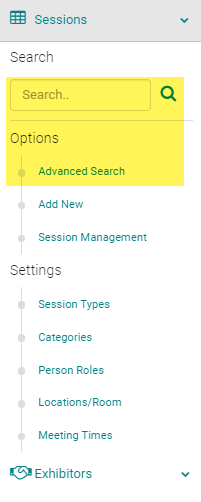
Click on the Session Title
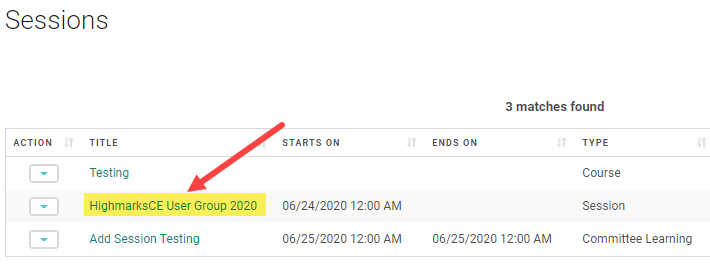
Click on 'Roster management'
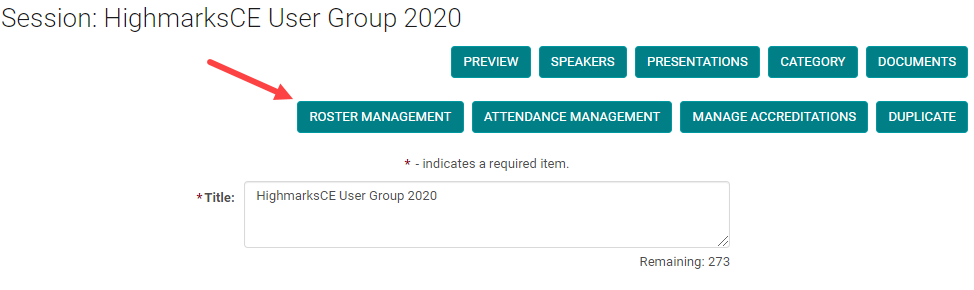
Select ‘Add People’

Search and Find the person you want to add to the session
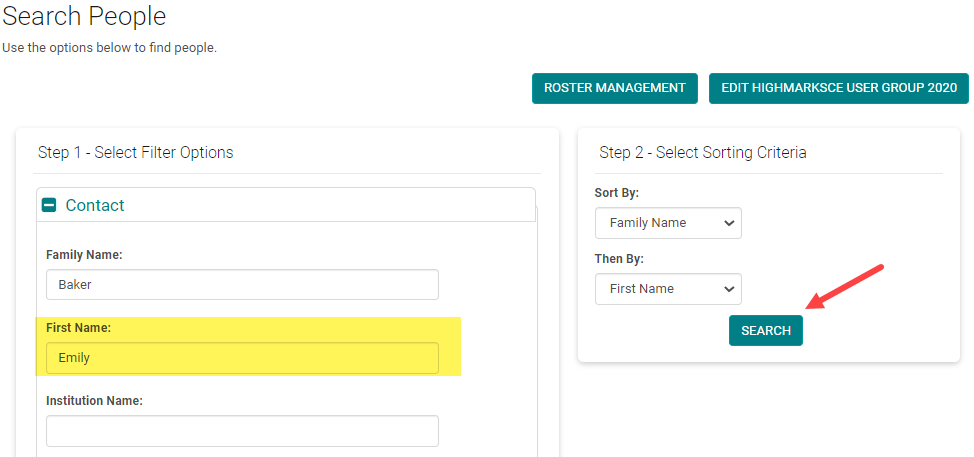
Check the box next to the user’s name and click ‘Add to Roster’
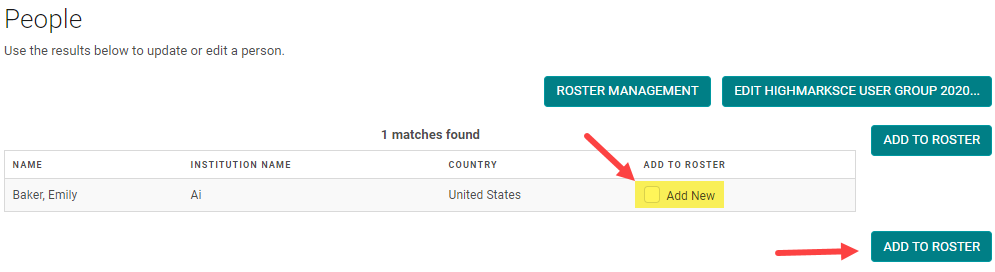
Check the box next to - Remove person name, the person is removed from the Session Roster.

Related Articles
Attendance Management - Add/Remove people from Session Attendance
Attendance Management is used to record users who attended a particular Event/Session. If using the CE/CME Module, participants can also be recorded in an Event/Session with the appropriate Credit/Hours. Users will automatically populate in this ...Attendance Management - Add/Remove people from Session Attendance
Attendance Management is used to record users who attended a particular Event/Session. If using the CE/CME Module, participants can also be recorded in an Event/Session with the appropriate Credit/Hours. Users will automatically populate in this ...Session Roster Report
1. Session Roster: Roster report gives you a list of people who have taken the pre and posttests on Self-Assessment and Enduring Materials sessions. You can select the type of the Session on the report filter section. Sessions > Primary Reports > ...Add New Session/Event
Note: Prior to adding a Session you need to add the Activity. Select the Activity you want to add a new Session/Event to using the Activity Switcher Go to Sessions (or Events) and click 'Add New' Field Definitions: Type = Select the type of the ...Add or Assign/ Remove Speaker - Session/Event or Presentation
Go to Sessions/Events > use the search box or 'Advanced Search' to find the Session or Presentation you want to assign a speaker to Click on the Title of the Session/Event or Presentation Click 'Manage People' (sometimes labeled as 'Manage Speakers' ...