Add a New Person
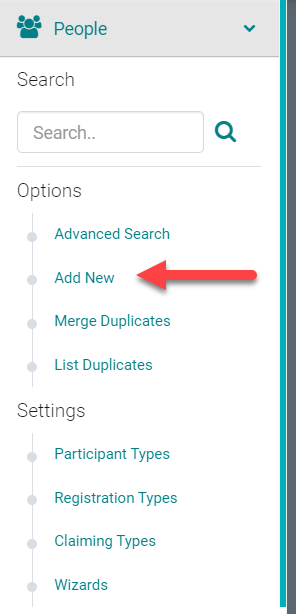
Go to People > Add New
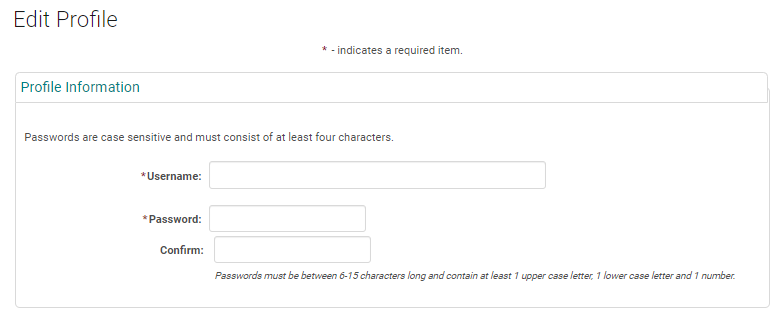
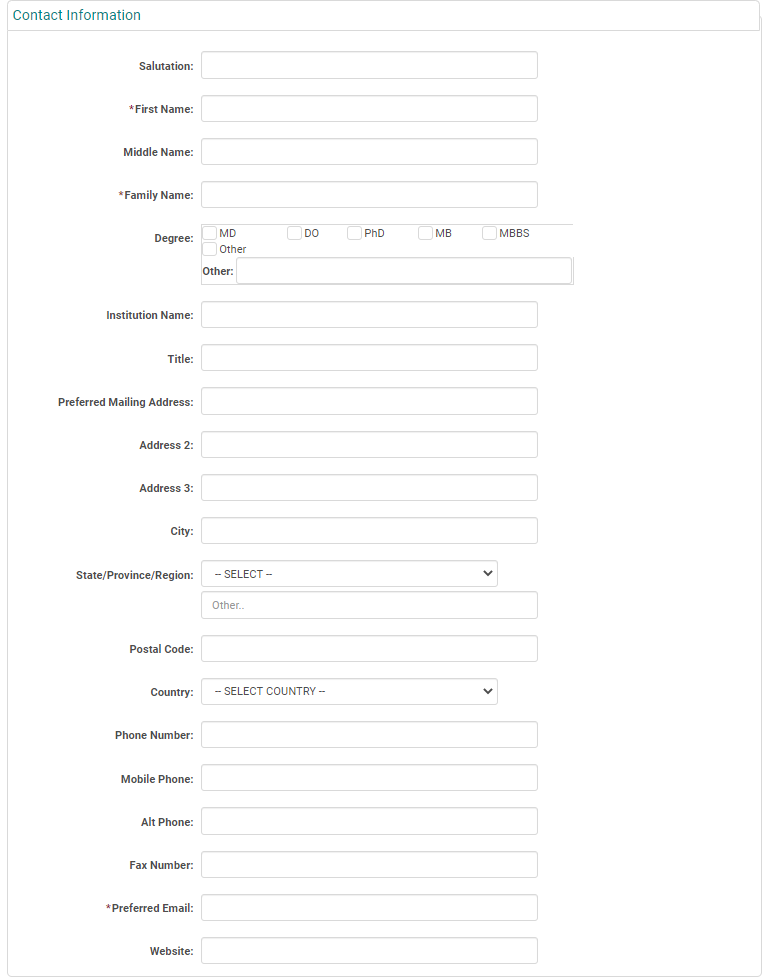
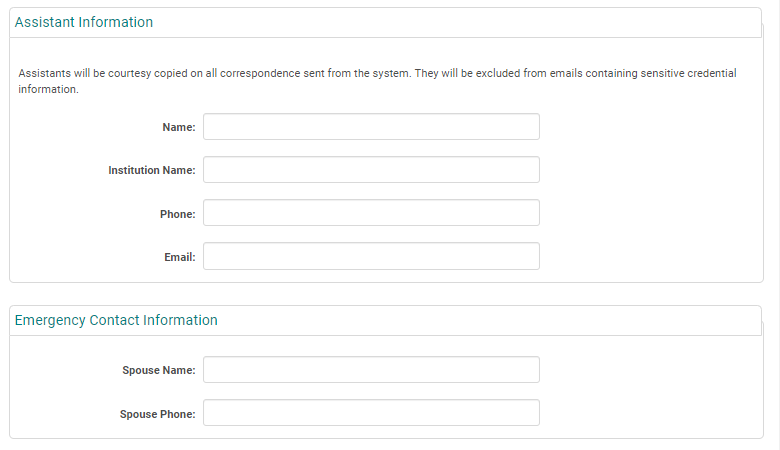
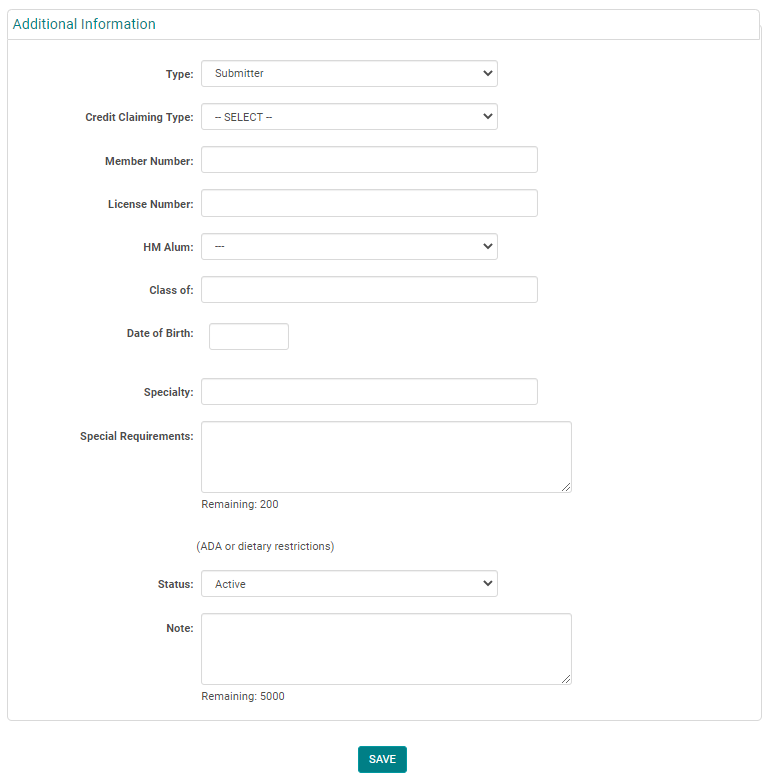
Complete the required fields, any additional information, and click 'Save'
NOTE: You do not need to enter a 'Username' or 'Password', the system will automatically create one when you click 'Save'
Type = Role of the Person. Eg. Submitter/ Coordinator/ Attendee/Speaker/Faculty
Related Articles
Add New Session/Event
Note: Prior to adding a Session you need to add the Activity. Select the Activity you want to add a new Session/Event to using the Activity Switcher Go to Sessions (or Events) and click 'Add New' Field Definitions: Type = Select the type of the ...Add a New Application (from Admin)
Go to People > Search for the person who should be the Submitter of the Application Hover over the arrow in the 'Action' column and click 'View Submissions' Click the option to add a new Application Complete the required steps on all tabs of the ...Add New Application, Activity, Session or Presentation Role
The below document includes the role set up rules for Application and Activity/Session level roles. Go to Applications> Person roles or Events/Sessions > click on 'Person Roles' Click on the 'Add New Role' button Enter the required fields and click ...Roster Management - Add/Remove people from Session Roster
Checklist: 1) Select the Session and click on the Session name 2) Go to Roster Management 3) Click on Add People 4)Search for the person to be added to the Roster 5) Check the 'Add New' option Roster Management is used to record users who registered ...How to add a wizard step
A wizard made up of one or more steps to guide the user through the completion of certain requirements when the user logs into the system. Different wizard steps can be added for different participant types. Participant type is a setting on a ...