Running Session Attendance Credits Report in Excel
Select the Activity in the Switcher
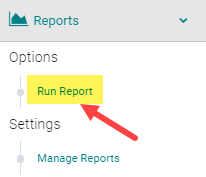
Go to Reports and select Sessions

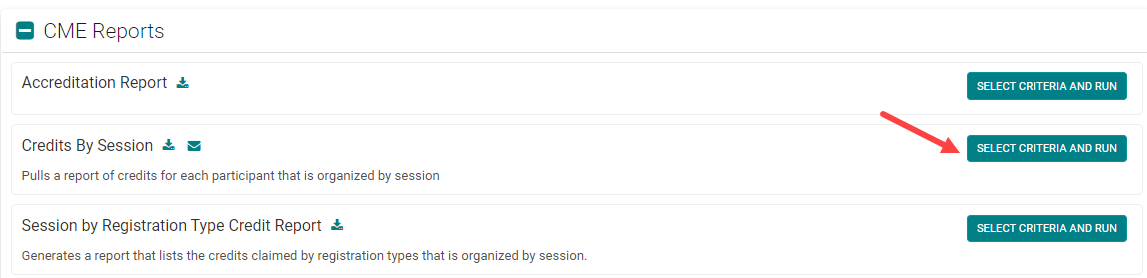
Under CE/CME Reports, select Credits by Session
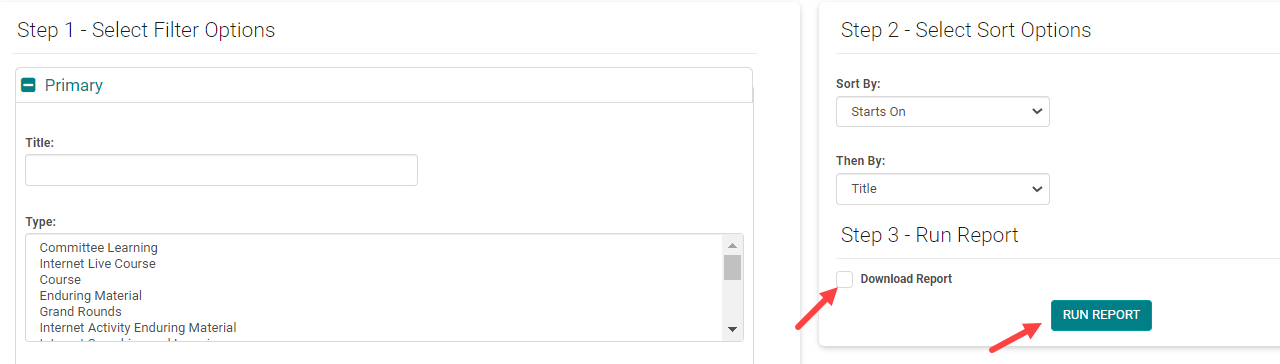
OPTIONAL: Type a portion of the title into the “Title:” field under Primary
OPTIONAL: Expand the “Dates/Location” section and for the “Starts On:” field choose the start date of the session
Under Step 3 select the checkbox next to Download Report. Select the Run Report button
This report will list:· Each session for this activity that matches the criteria (if the OPTIONAL fields are done, it should only return one session and for each returned session, all of the people that attended/claimed) Click “Download Report” to get a .csv file which contains one row for each person’s attendance record per session, sorted

You can then remove the rows you don't need and save the report with the information you do need

Related Articles
People - Credits- Activity Awarded Credit Summary Report
The 'Activity Awarded Credit Summary' report will provide the total number of credits each participant earns for a specific Activity. NOTE: this report does not include 'Pending' credits Before you can run this report, you must select the appropriate ...Attendance Management - Add/Remove people from Session Attendance
Attendance Management is used to record users who attended a particular Event/Session. If using the CE/CME Module, participants can also be recorded in an Event/Session with the appropriate Credit/Hours. Users will automatically populate in this ...Attendance Management - Add/Remove people from Session Attendance
Attendance Management is used to record users who attended a particular Event/Session. If using the CE/CME Module, participants can also be recorded in an Event/Session with the appropriate Credit/Hours. Users will automatically populate in this ...Import Data - Attendance
Attendance import functionality is used To import registration records where there are no registration products involved To import Attendance directly into the Sessions. (This option is enabled per site) Go to Activities > use the search box or click ...Import Data - Attendance
Attendance import functionality is used To import registration records where there are no registration products involved To import Attendance directly into the Sessions. (This option is enabled per site) Go to Activities > use the search box or click ...