Event / Session Document Upload Reports
There are two reports you can run to find out the status of Event / Session Document Uploads (i.e., Handouts, Presentations, Materials, etc.):
Go to Reports > People
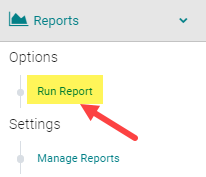

Click on the 'Documents Reports' section and select one of the two highlighted reports
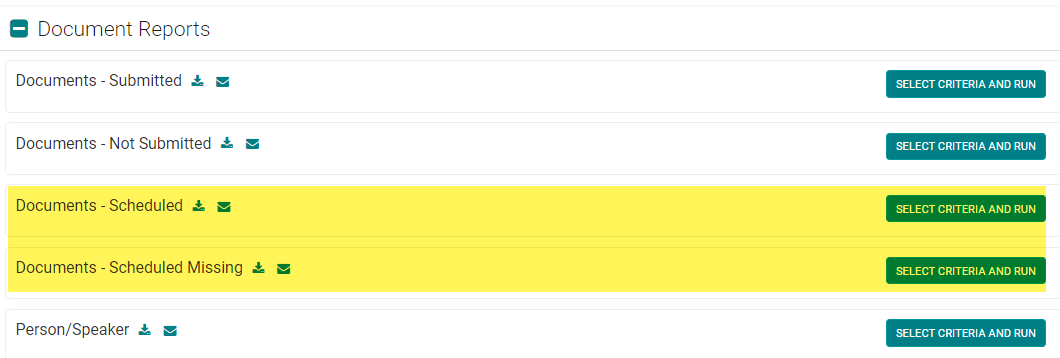
OPTION 1: Documents - Scheduled
This report will list who uploaded a document for a particular Event/Session with the corresponding file name hyperlinked for download.
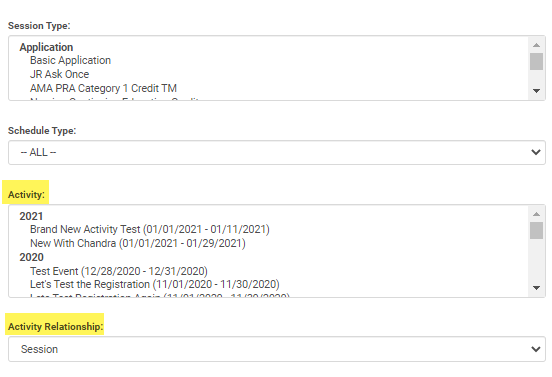
NOTE: Be sure to filter by a particular Activity or Session before running the report
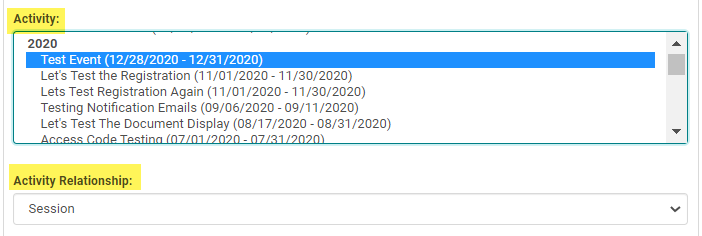
OPTION 2: Documents - Scheduled Missing
This report will list who has not uploaded a document for a particular Event/Session. Use the 'Send Email' option to send a reminder.
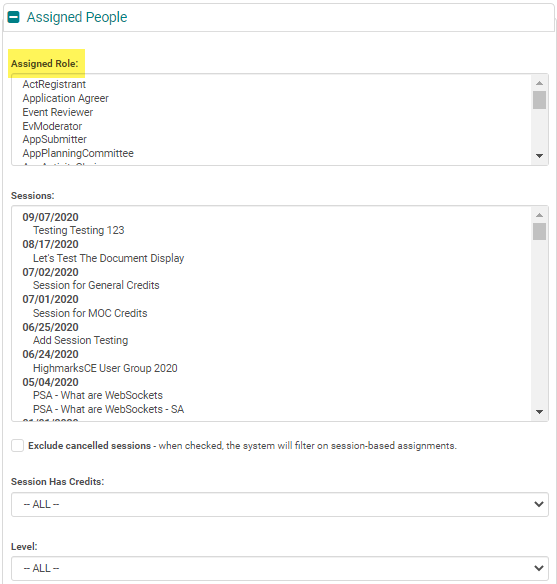
NOTE: Be sure to filter by the Assigned Role(s) and Activity or Session before running the report
Related Articles
CV / Document Upload Reports by Person
There are two reports you can run to find out the status of My Account - CV/Document Uploads: Go to Reports > People Click on the 'Documents Reports' section and select one of the two highlighted reports OPTION 1: Documents - Submitted This report ...Add New Application, Activity, Session or Presentation Role
The below document includes the role set up rules for Application and Activity/Session level roles. Go to Applications> Person roles or Events/Sessions > click on 'Person Roles' Click on the 'Add New Role' button Enter the required fields and click ...Document Reports
1. Session Documents Report: This report gives you downloadable links to the documents uploaded by Evroles from the Speaker Ready Room; or the documents uploaded under Sessions’ ‘Manage Document’ section by the Admin from the back end. Sessions > ...Add New Session/Event
Note: Prior to adding a Session you need to add the Activity. Select the Activity you want to add a new Session/Event to using the Activity Switcher Go to Sessions (or Events) and click 'Add New' Field Definitions: Type = Select the type of the ...Event/Session Type
To add or edit an Event/Session Type, go to Sessions (or Events) and click on 'Session Types' (or Event Types) To edit an existing Type, click on the name of the Type. Or, click on the 'Add New Type' Complete the required fields and click 'Save' ...