Attendance No Show
There are two ways to mark someone as a registration "No Show" for an Activity.
NOTE: Users marked as a 'No Show' will not be able to claim credit for the Activity.
OPTION 1:
Go to the Activity Switcher

Select the Activity you are marking the no show for and click 'Select' at the bottom of the window
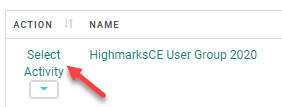
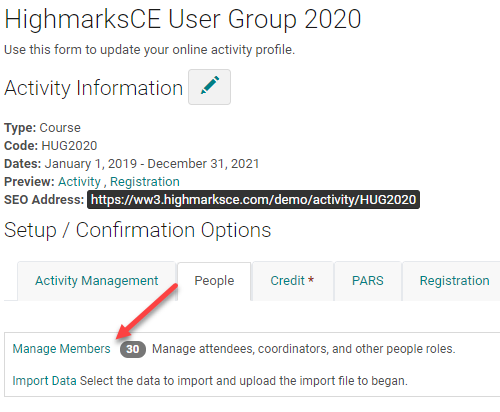
From the Activity Dashboard, click 'Manage People', ,'Manage Members', or 'Manage Participants' (Label is custom to site)
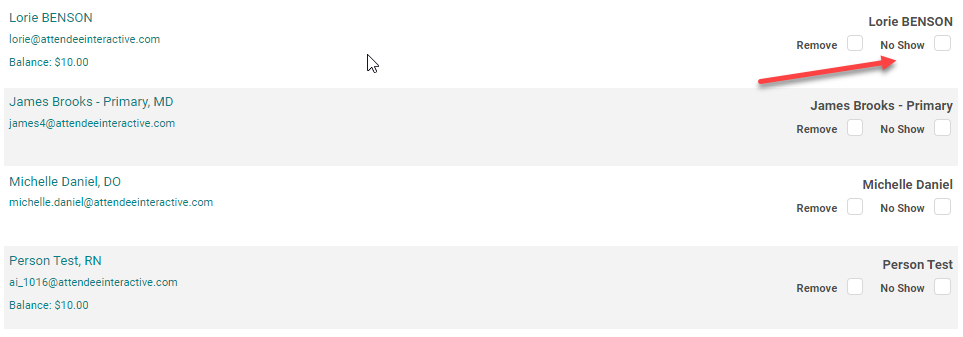
Check the 'No Show' box next to the appropriate person and update the changes by clicking Remove/Update Assignments'.
OPTION 2:
Go to the Activity Switcher

Select the Activity you are marking the no show for and click 'Select' at the bottom of the window
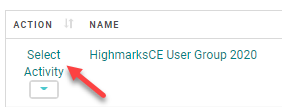
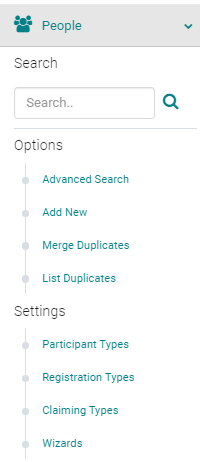
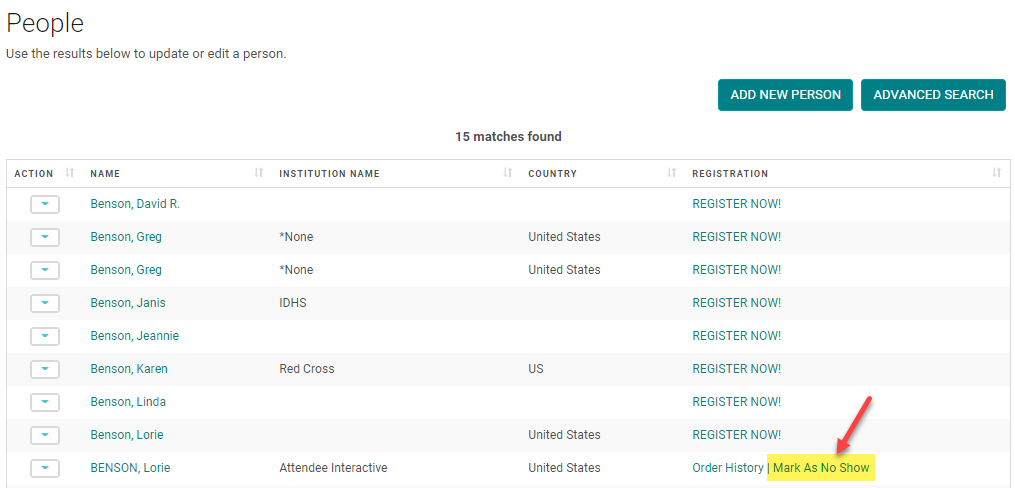
Go to People > search for the person you want to mark as a no show
Click the 'Mark As No Show' link next to the appropriate name
Related Articles
Attendance No Show
There are two ways to mark someone as a registration "No Show" for an Activity. NOTE: Users marked as a 'No Show' will not be able to claim credit for the Activity. OPTION 1: Go to the Activity Switcher, then select the activity you are marking the ...Import Data - Attendance
Attendance import functionality is used To import registration records where there are no registration products involved To import Attendance directly into the Sessions. (This option is enabled per site) Go to Activities > use the search box or click ...Import Data - Attendance
Attendance import functionality is used To import registration records where there are no registration products involved To import Attendance directly into the Sessions. (This option is enabled per site) Go to Activities > use the search box or click ...Attendance Management - Add/Remove people from Session Attendance
Attendance Management is used to record users who attended a particular Event/Session. If using the CE/CME Module, participants can also be recorded in an Event/Session with the appropriate Credit/Hours. Users will automatically populate in this ...Attendance Management - Add/Remove people from Session Attendance
Attendance Management is used to record users who attended a particular Event/Session. If using the CE/CME Module, participants can also be recorded in an Event/Session with the appropriate Credit/Hours. Users will automatically populate in this ...