Manage Forms
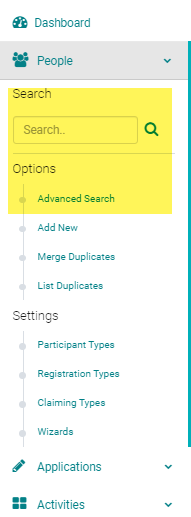
To associate Type = Speaker Forms to an Activity for use in the Speaker Ready Room, use the Activity 'Switch' or go to Activities > use the text search option or 'Advanced Search'
NOTE: make sure you have associated the Type = Speaker Form to the appropriate Event/Session Roles (see related article).
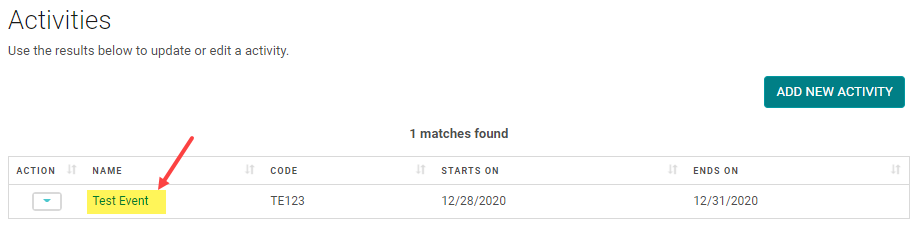
Click on the Name of the Activity
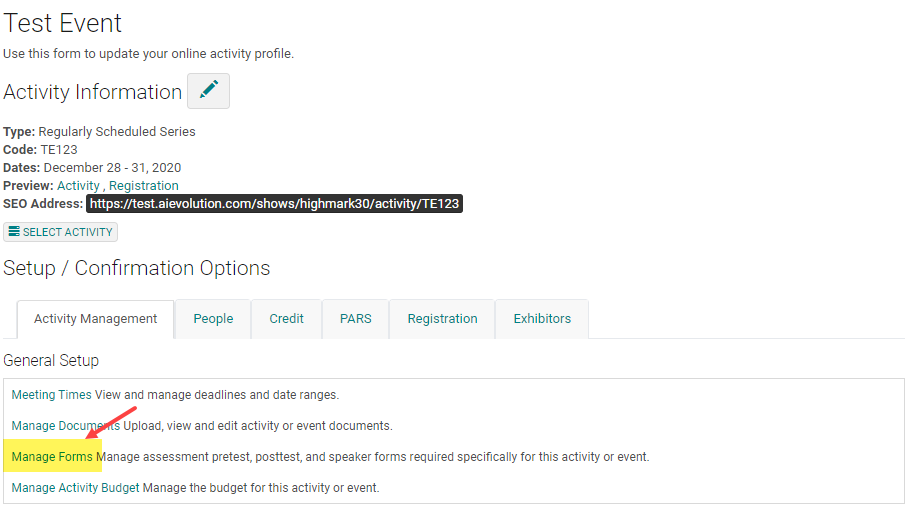
Click on 'Manage Forms'
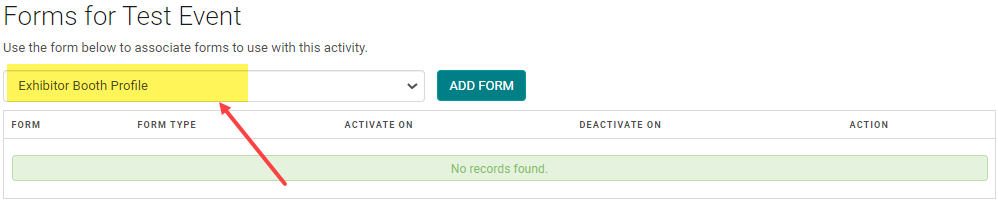
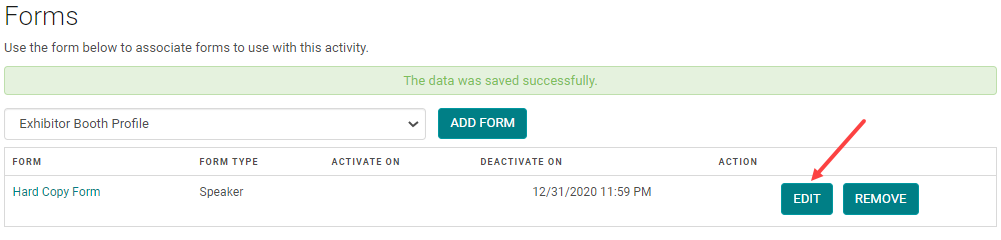
Select a Type = Speaker Form from the drop-down and click on the 'Add Form' button
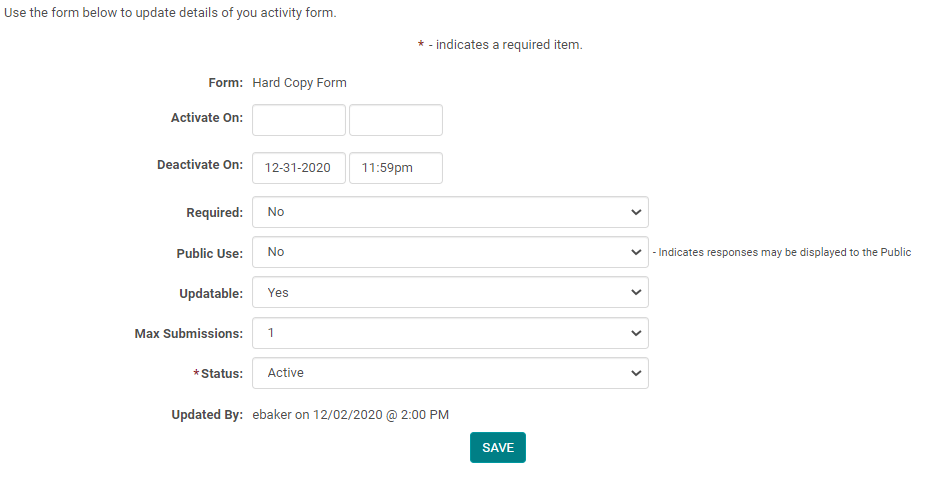
Use the 'Edit' button to control Form settings for the Activity
Set a Form Deadline, make the Form Required, Inactivate the Form from the Activity, etc.
NOTE: always confirm the Form(s) is showing up in the Speaker Ready Room for the correct Role(s)
Related Articles
Manage Forms
To associate Type = Speaker Forms to an Activity for use in the Speaker Ready Room, use the Activity 'Switch' or go to Activities > use the text search option or 'Advanced Search' NOTE: make sure you have associated the Type = Speaker Form to the ...Creating Event/Session and Speaker Evaluation Forms
Go to Settings > Forms Click the 'Add New Form' button From the 'Type' drop-down list, select 'Session Evaluation' Complete the following fields: Name = Form name that will appear on the website for users to complete Required = Yes Speaker Ask Once = ...Manage PARS
Note: Manage PARS tab has been updated to align with ACCME’s recent changes to the data you need to collect for PARS. Go to Activities > use the text search or 'Advanced Search' to find the Activity you need to update the ACCME PARS Reporting Year ...Manage PARS
Note: Manage PARS tab has been updated to align with ACCME’s recent changes to the data you need to collect for PARS. Go to Activities > use the text search or 'Advanced Search' to find the Activity you need to update the ACCME PARS Reporting Year ...How to Setup Claiming: Manage Certificates and Manage Claiming Types
Manage Certificates and Manage Accreditation: The 'Manage Certificates' and 'Manage Accreditation' feature has been enhanced to be able to add multiple certificates at once. Select the Activity and click on 'Manage Certificates'. You will see a list ...